
Accessify

All your client sites. One queue.

Prioritise by severity, impact and risk.

  • A separate workspace per client
  • Priced around your portfolio
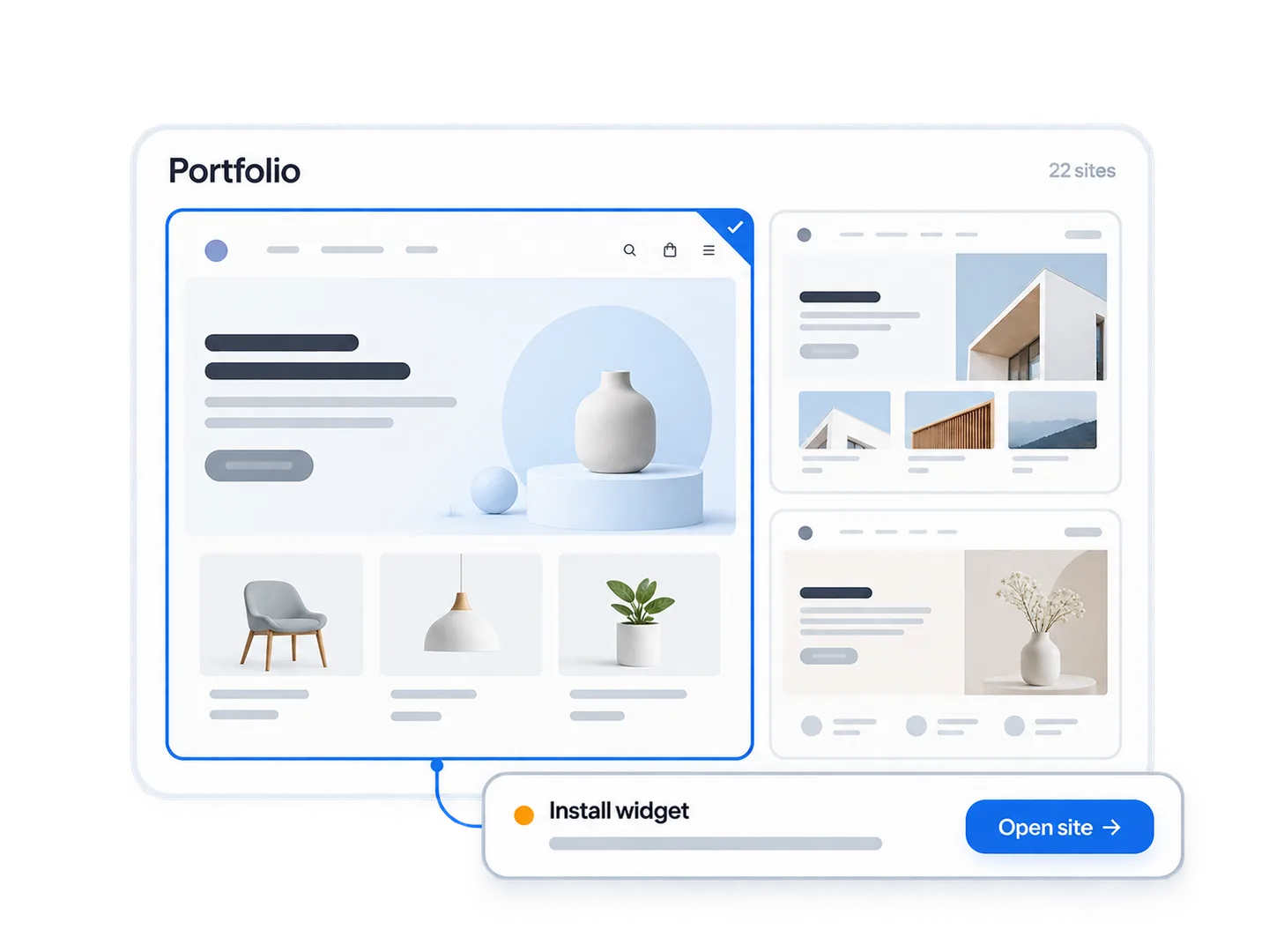
A portfolio of client websites with one site selected and an Install widget action ready to open.

Prioritise client issues.

Resolve or snooze a finding with a recorded reason.

Things that block value

  • Widget not installed
  • Installation validation failed
  • Scan overdue or failed
  • Alt-text extraction failed

Things with a deadline

  • Critical document issues remaining
  • AI credits or impressions near their limit
  • An invitation waiting on someone
  • Subscription or authentication needing recovery

Open the records behind each number

“12 open critical issues” links straight to those twelve records.

Counts link to the matching findings.

One workspace per client. Nothing leaks.

Each client’s sites, documents and history stay separate.
  • Impressions and AI credits are metered per workspace.
  • Roles and per-site permissions, with owner protection and last-owner prevention
  • The switcher preserves permitted destinations.
  • Consequential permission changes require an explicit review step
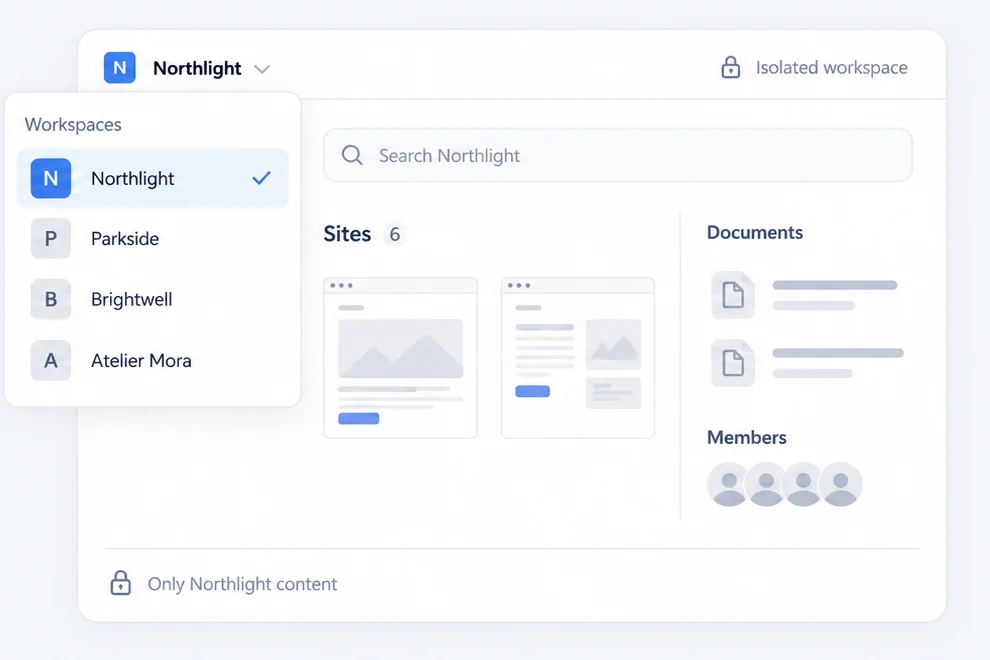
Northlight selected in a workspace switcher, with its own sites, documents and members shown in the workspace.

Who did what, on whose site, and when.

Team

Members’ roles, sites and last activity.

Plain-language permission descriptions.

Invitations

Five invite states: Not sent, Pending, Accepted, Expired and Revoked.

Not sentPendingAcceptedExpiredRevoked

Activity

Export who changed what and when.

Exports include only your permitted workspaces.

What to include in client reports.

You can show

  • Score history and what changed since last month
  • Findings closed, and by whom
  • Manual review still outstanding, with owners
  • Documents remediated, with both versions kept

You cannot show

  • A compliance certificate. We do not issue one
  • A guarantee against a complaint or a claim
  • A score as proof of conformance

Ask vendors how these claims are tested.

Why that helps you

Show clients a clear work record.

How we quote agency pricing.

Pricing reflects sites, traffic, AI drafting and reports.

Compare self-serve plans and metering limits.

What the conversation covers

  1. A real client site and audit
  2. Sites, platforms and responsibilities
  3. Metering across workspaces
  4. Written scope and automation limits

One personal reply. No cold calls.

Agency questions

Can I white-label reports for clients?

Client report exports and customisation: Enterprise.

What stops one client's data reaching another?

Workspace isolation covers Clara, search and exports.

A client offboards. What happens to their data?

Deleted items are recoverable. See the privacy policy for the recovery window.

Can my team work without breaking a client site?

Bulk actions check permissions. AI text needs approval; changes are logged.

The portfolio, as one list

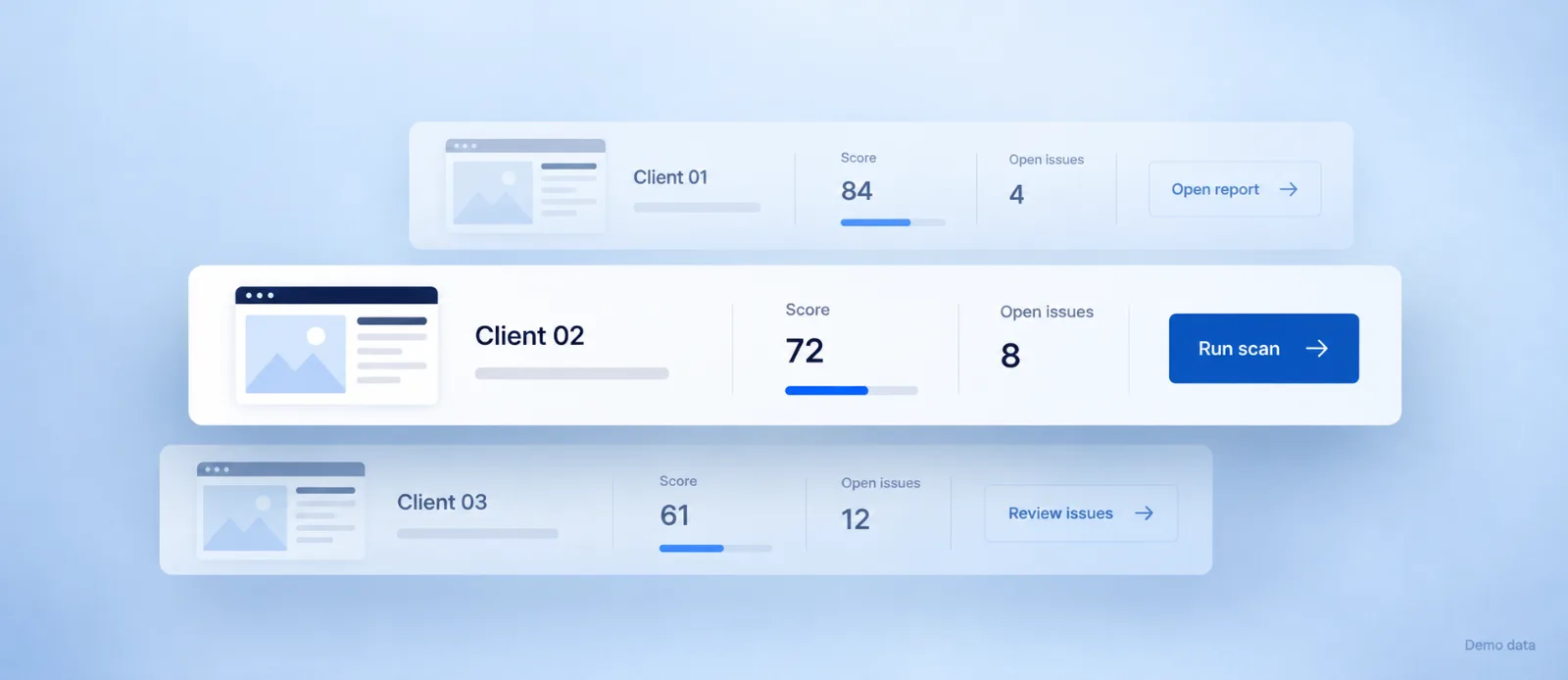
Client scores, open issues and next actions, together.

Three demo client site records showing their scores, open issues and next actions, with the middle record highlighted.

Account identifiers and customer URLs are redacted.
Bring your worst client site.

Start with a free scan.