Accessify

Your documents, made readable.

Score PDFs, Word and PowerPoint files. Automate safe fixes; review the rest.

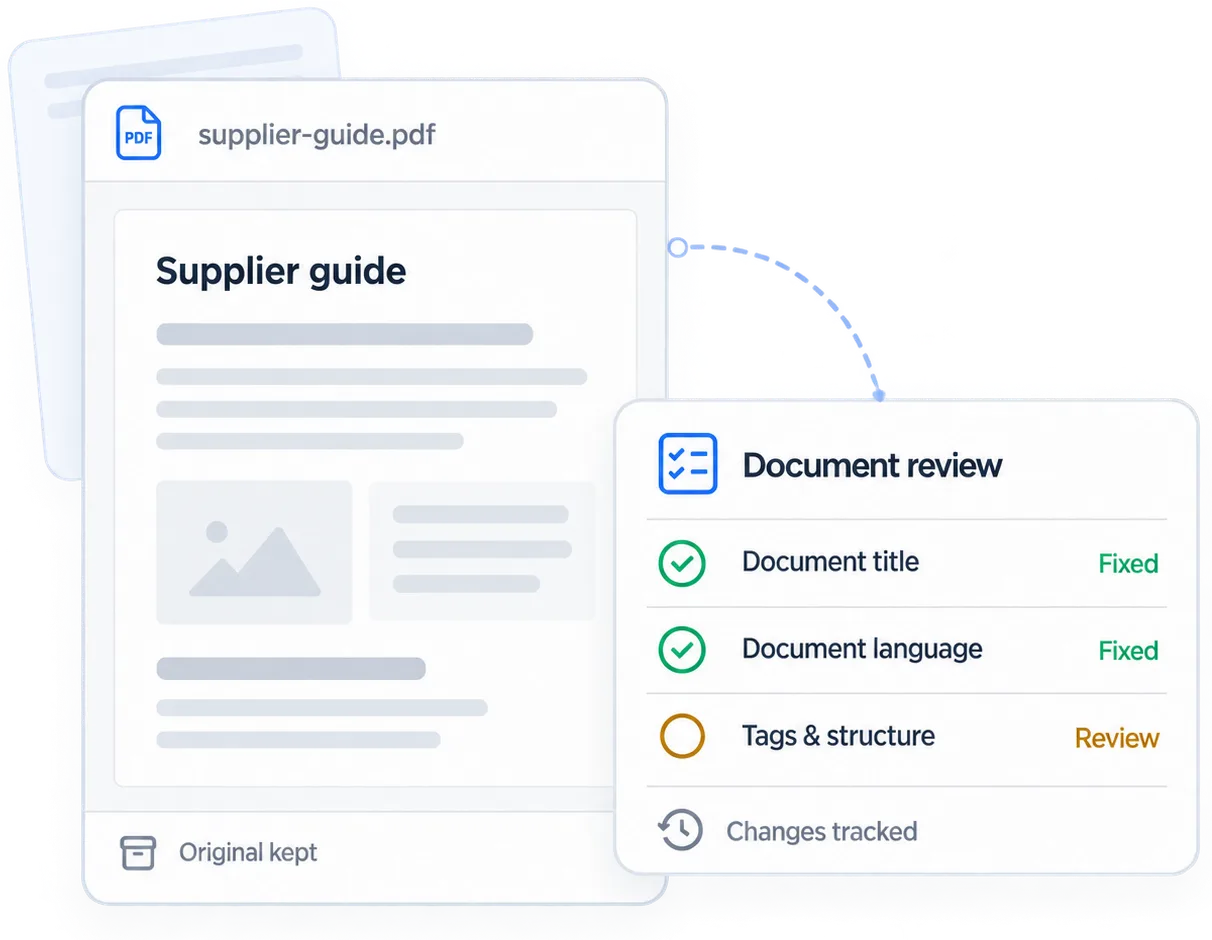
PDF document preview with title and language fixed, tags and structure awaiting review, and a tracked change history.

What makes a document accessible.

Screen readers need a PDF’s structure, not a flat picture of text.

  • A tag tree exists

    Other structure depends on the tag tree.

  • Reading order makes sense

    Read columns in sequence, without mixing lines.

  • Real headings

    Bold 18pt text needs a heading tag.

  • Table headers declared

    Read each cell with its column header.

  • Images described

    Or mark decorative images, as on your website.

  • Title and language set

    Identify the document and its language for assistive technology.

The standard is PDF/UA plus WCAG 2.2. Word and PowerPoint need real headings and table headers.

A clearer view of every document.

Choose a format to see automatic fixes and human review.

Example report

PDF example

Supplier guide

supplier-guide.pdf · 12 pages

Accessibility score

53/100

9 issues · 5 need a person

Structure needs review

Tags need human review; title and language can be fixed automatically.

Issues to review

Showing 5 of 9

IssuePageSeverityFix
Missing tags1CriticalManual review
No document language1HighAutomatic
No document title1HighAutomatic
Table without headers2HighManual review
Low colour contrast4MediumManual review

Automated fixes and human review.

Automation applies

Predictable, reversible fixes that need no manual review.

  • Document title in metadata
  • Document language
  • Tab and reading order where the structure already exists
  • Marking genuine decoration as artifact
  • Flagging every remaining failure with its criterion

A person decides

Decisions about meaning, accuracy and missing structure.

  • Building a tag tree for an untagged file
  • Which row of a table is the header
  • Whether an image description is accurate
  • Redesigning a colour that fails contrast
  • Whether the reading order matches the meaning

The hard truth: untagged PDFs need structure before alt text or headings. The report includes an export checklist.

The same invoice, before and after tagging.

Screen reader output before and after remediation.

Untagged export

invoice-2418.pdf · no tag tree present

  1. "ACME LTD"
  2. "Invoice 2418" "14 March 2026"
  3. "Item" "Qty" "Unit" "Amount"
  4. "Widget assembly" "12" "40.00" "480.00"
  5. "Total due" "576.00"
  6. [unlabelled image]

Flat text without headings, labels or a table.

Remediated and verified

invoice-2418.pdf · tagged, PDF/UA checked

  1. <H1> ACME Ltd
  2. <H2> Invoice 2418, 14 March 2026
  3. <Table><TH> Item · Qty · Unit · Amount
  4. <TR><TD> Widget assembly · 12 · 40.00 · 480.00
  5. <P> Total due: 576.00
  6. <Figure alt> "ACME company logo"

Headings, a table and described image in reading order.

Automation handles mechanical work; people make judgment calls.

Document audit workspace

Sample selections show history. They don’t upload, remediate or save files.

Open your document workspace · Sign in

Documents

4 files

Metrics appear when a verified report is available.

File history

supplier-guide.pdf

  1. Verification recordedBy a team member · Today
  2. Remediated v2 downloadedMetadata and decorative artifacts
  3. Manual review assigned3 items · Table headers, contrast
  4. Auto-fix appliedDocument title, language
  5. Original uploadedsupplier-guide.pdf · 12 pages
Versions keptOriginal and remediated v2 are saved separately.

Completion and verification are separate.

Not a certificate or legal defence. Verification is recorded separately.

Scores move, standards don't

A score of 92 can still have two open manual items.

Both versions are kept

Download both versions to show what changed.

Manual services exist

For regulated documents, we also offer hands on remediation as a service.

Document questions

File formats, fixes and review.

Can you fix a scanned PDF?

Not directly. A scan needs OCR and proofreading first. We'll flag it rather than give a misleading score.

What if the PDF was exported without tags?

Then alt text and heading fixes can't be added. Export it again with tagging on. We give you the checklist.

Does a remediated document mean I am compliant?

Remediation addresses individual findings. Automated checks cannot establish full compliance; a person must verify the remaining requirements and the published document.

How long does a document take?

Minutes for a tagged file, hours for complex untagged tables. Scans need OCR first.

Which formats do you handle?

PDF, Word and PowerPoint. Fixing the source file means every future export inherits the fix.

Will remediation change how my document looks?

No. Tags and reading order are invisible. Contrast fixes change colours, so we ask first.

Do you keep my documents?

In your workspace. You can delete any file. We never train on your documents.

Can you sign off my documents as PDF/UA conformant?

We check against PDF/UA and record every fix and approval. The formal statement comes from you or an assessor.

Start with the site. Documents follow.

Start with a free audit. Document remediation comes with every paid plan.