Showing all 9 criteria in this reference.
SC 1.1.1
Non-text Content
Level AAlt textMeaningful images need a text alternative. Decoration gets an empty one on purpose.
Example: A product photo with no alt is announced as its filename.
Fix: Describe the object, material and colour. Mark decoration with an empty alt.
SUGGESTION AVAILABLESECTION 508 · INCORPORATES WCAG 2.0 AA
SC 1.3.1
Info and Relationships
Level AHeadingsStructure that is visible must also exist in the markup: headings, lists, tables, and landmarks.
Example: Bold text used as a heading, so heading navigation skips it.
Fix: Use real heading levels in order and style them with CSS. Tag table header cells as th.
MANUAL REVIEWSECTION 508 · INCORPORATES WCAG 2.0 AA
SC 1.4.3
Contrast (Minimum)
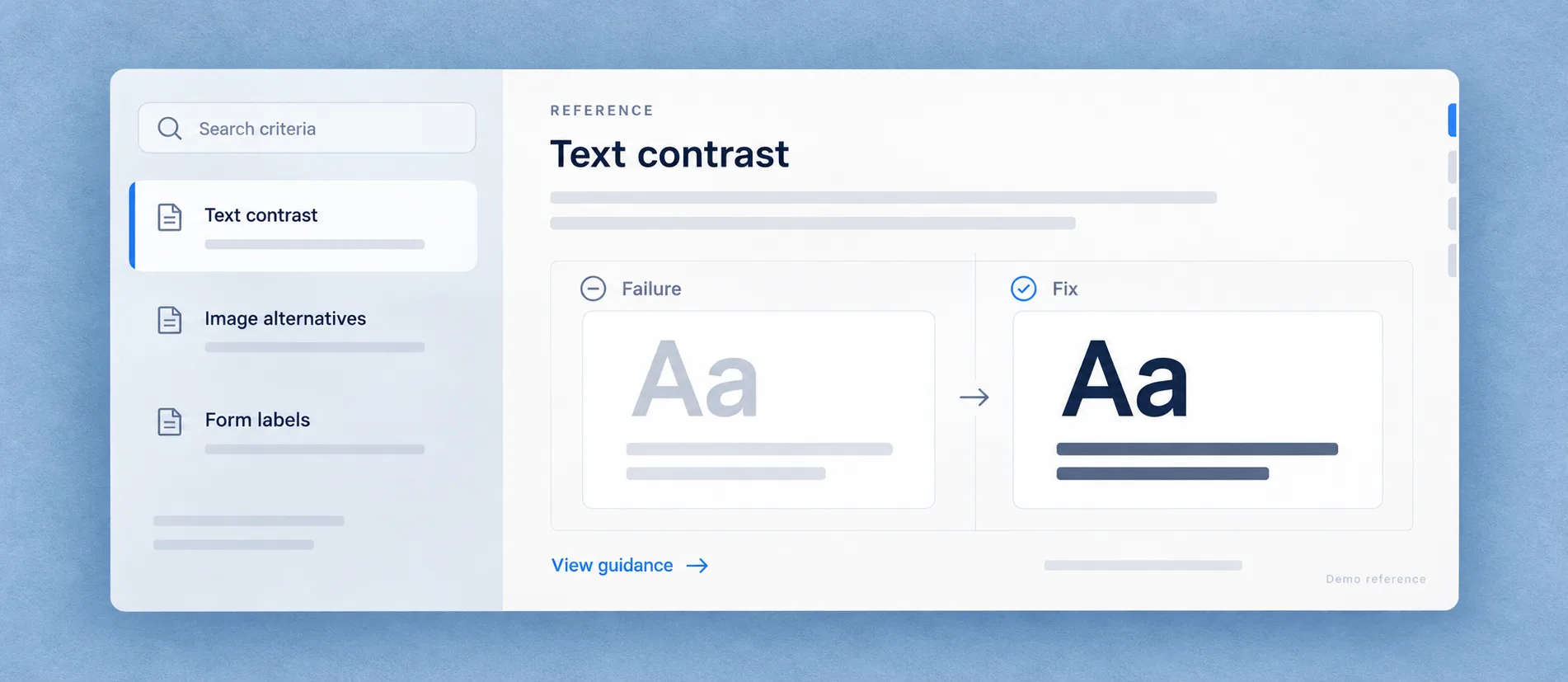
Level AAColor contrastNormal text needs a contrast ratio of at least 4.5:1 against its background; large text needs 3:1.
Example: Body copy at #bfbfbf on white measures about 1.83:1: unreadable for many people with low vision.
Fix: Darken the text or lighten the surface until it passes. Check hover states too.
AUTO-FIX AVAILABLESECTION 508 · INCORPORATES WCAG 2.0 AA
SC 1.4.11
Non-text Contrast
Level AAColor contrastInterface components and meaningful graphics need at least 3:1 against adjacent colours.
Example: A pale input border on white hides where to type.
Fix: Raise the border, icon, or state indicator contrast to 3:1 or above.
MANUAL REVIEWNOT IN SECTION 508 · LATER WCAG ADDITION
SC 2.1.1
Keyboard
Level AKeyboardEverything you can do with a mouse must be possible with a keyboard alone.
Example: A custom dropdown that Tab and arrow keys can't reach.
Fix: Use native controls, or add roles, tabindex and key handling. Test without a mouse.
MANUAL REVIEWSECTION 508 · INCORPORATES WCAG 2.0 AA
SC 2.4.4
Link Purpose (In Context)
Level ALabelsA link's purpose should be clear from its text, or from the sentence it sits in.
Example: Six icon-only links with no text are all announced simply as “link”.
Fix: Add visually-hidden text or an aria-label naming the destination, not the icon.
MANUAL REVIEWSECTION 508 · INCORPORATES WCAG 2.0 AA
SC 2.4.7
Focus Visible
Level AAFocus visibleKeyboard users must always be able to see which element is focused.
Example: A global outline:none removes the browser's focus ring with nothing in its place.
Fix: Restore a visible focus style with at least 3:1 contrast, using :focus-visible.
AUTO-FIX AVAILABLESECTION 508 · INCORPORATES WCAG 2.0 AA
SC 3.3.2
Labels or Instructions
Level ALabelsForm fields need a label that stays visible and is announced by assistive technology.
Example: Checkout fields labelled only by placeholders, which vanish on focus.
Fix: Add a visible label with a matching for and id. Keep the placeholder as an example.
MANUAL REVIEWSECTION 508 · INCORPORATES WCAG 2.0 AA
SC 4.1.2
Name, Role, Value
Level AARIACustom components must expose what they are, what they are called, and what state they are in.
Example: A div styled as a toggle reports no role and no on/off state, so it is announced as plain text.
Fix: Prefer native elements. Otherwise set the right role, name and state.
MANUAL REVIEWSECTION 508 · INCORPORATES WCAG 2.0 AA