
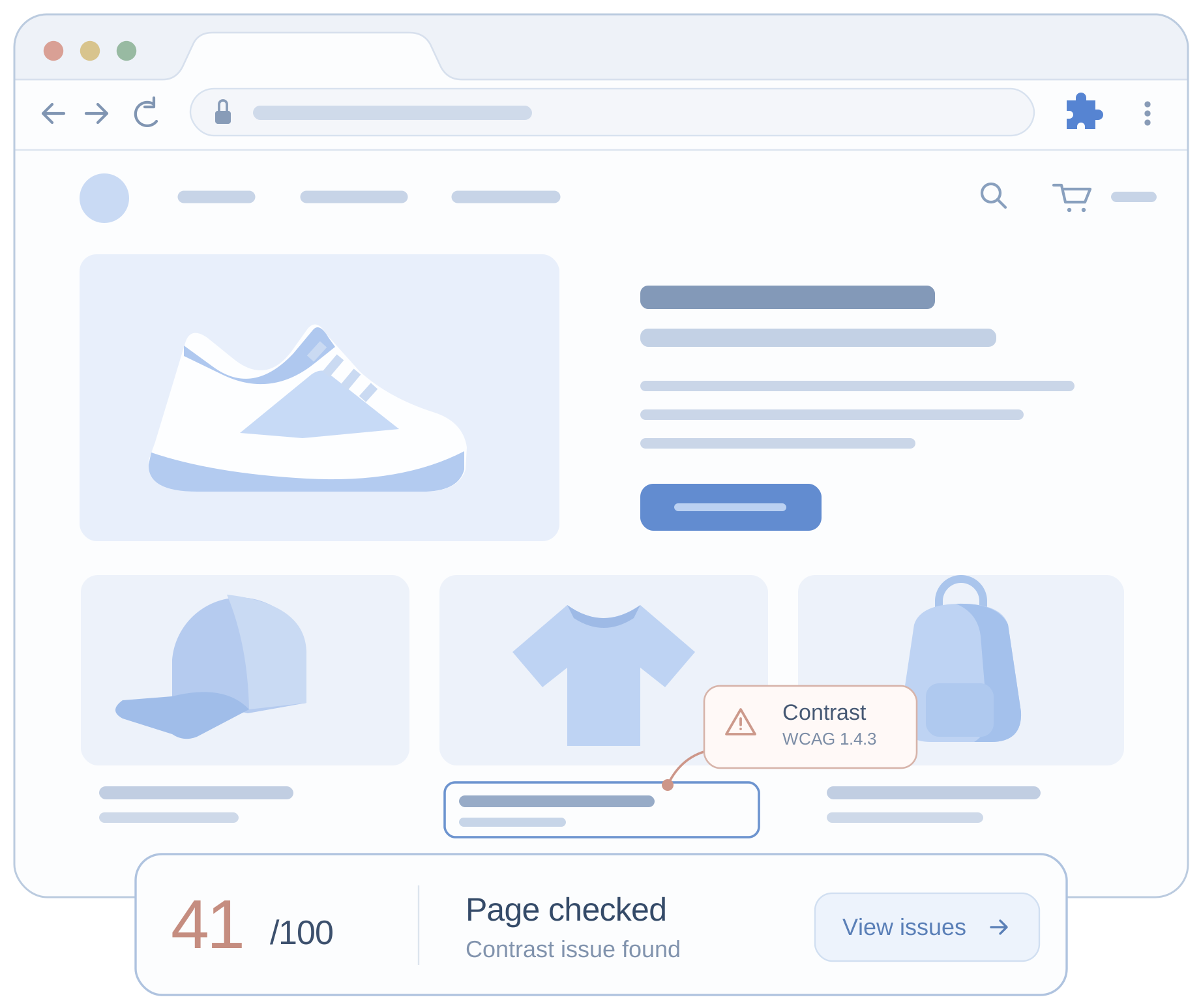
Three panels for checking your page.
-
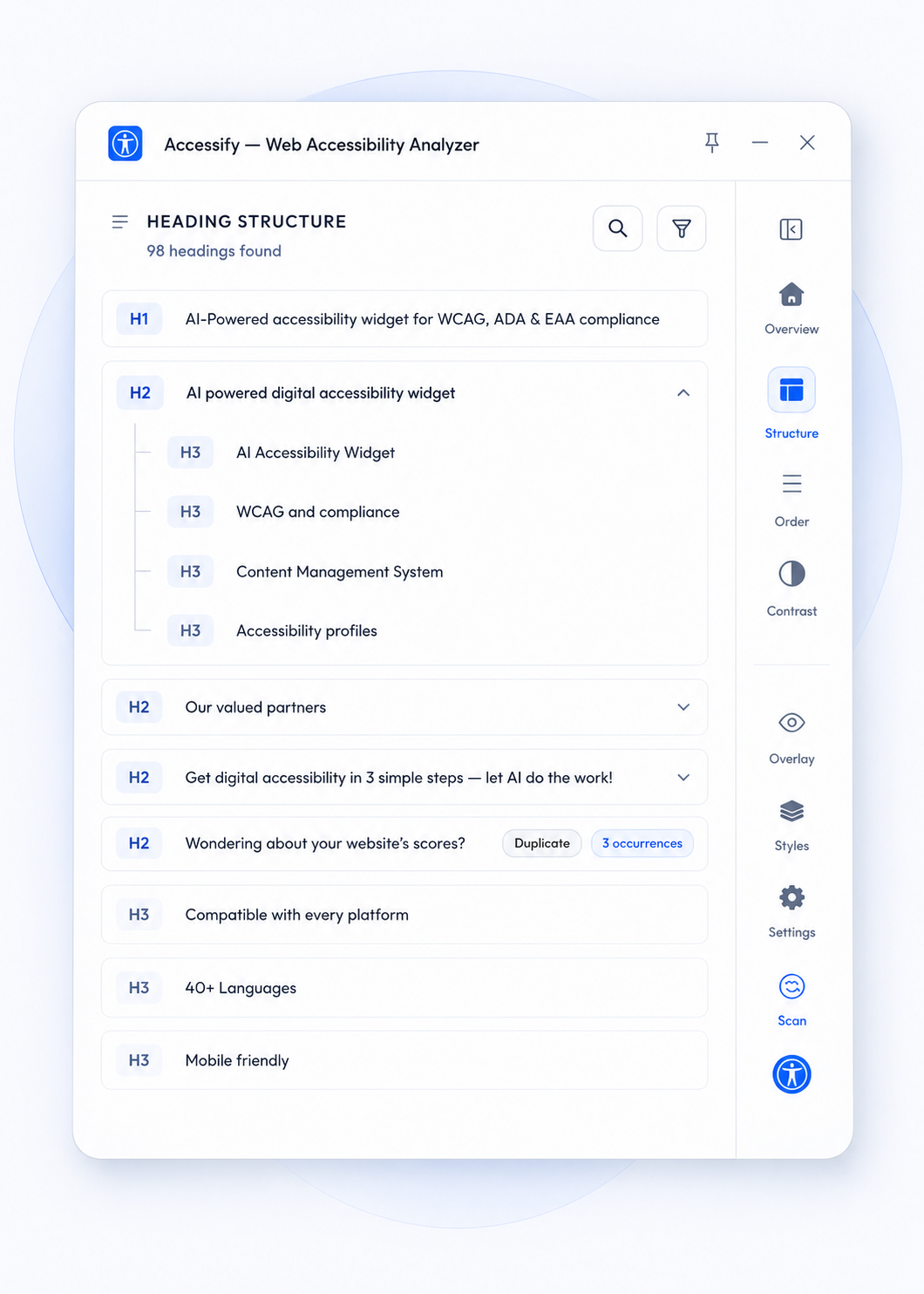
Structure
See skipped and duplicate levels in the screen reader heading outline.
-
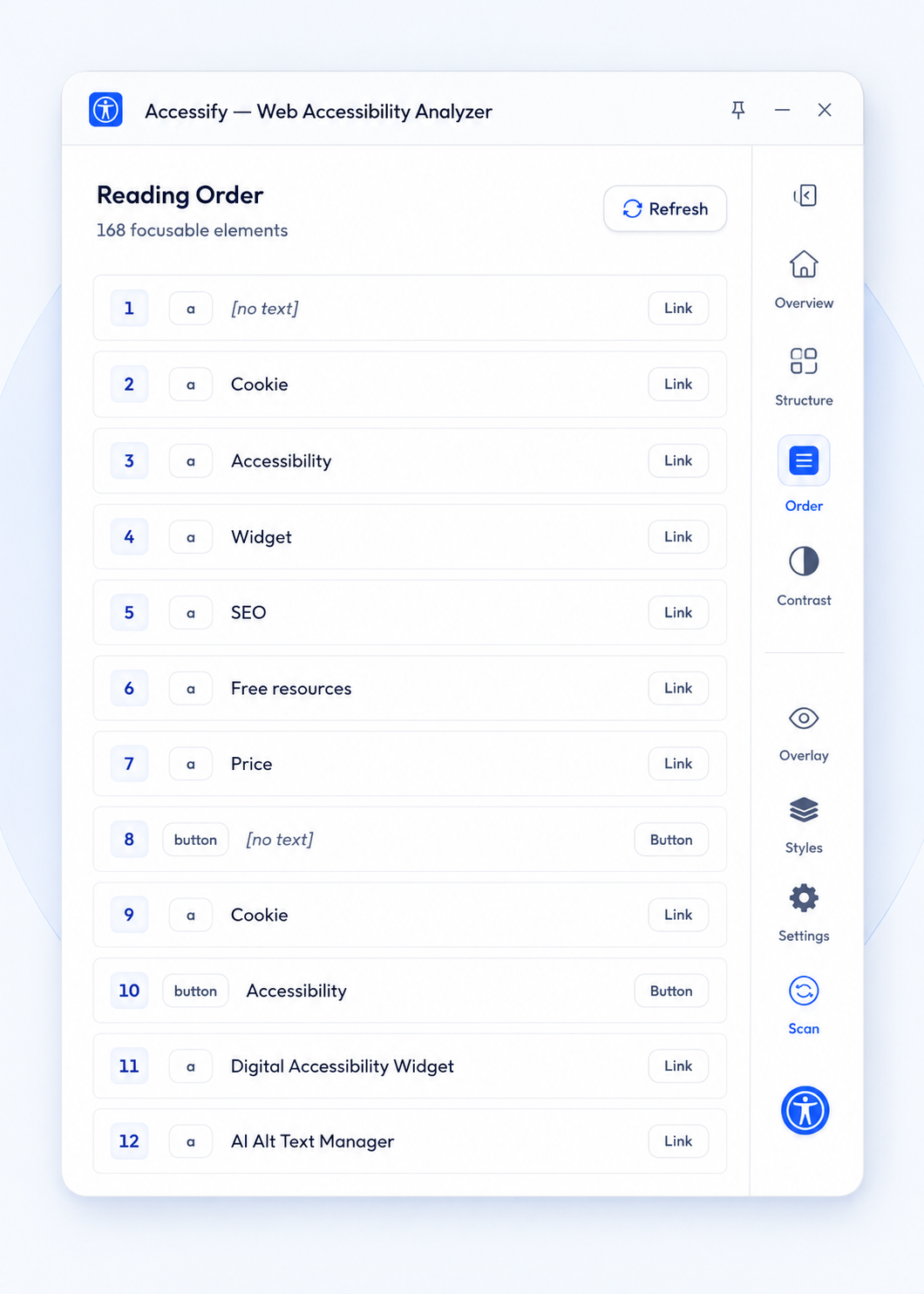
Keyboard order
Review keyboard stops, including those with no announced name.
-
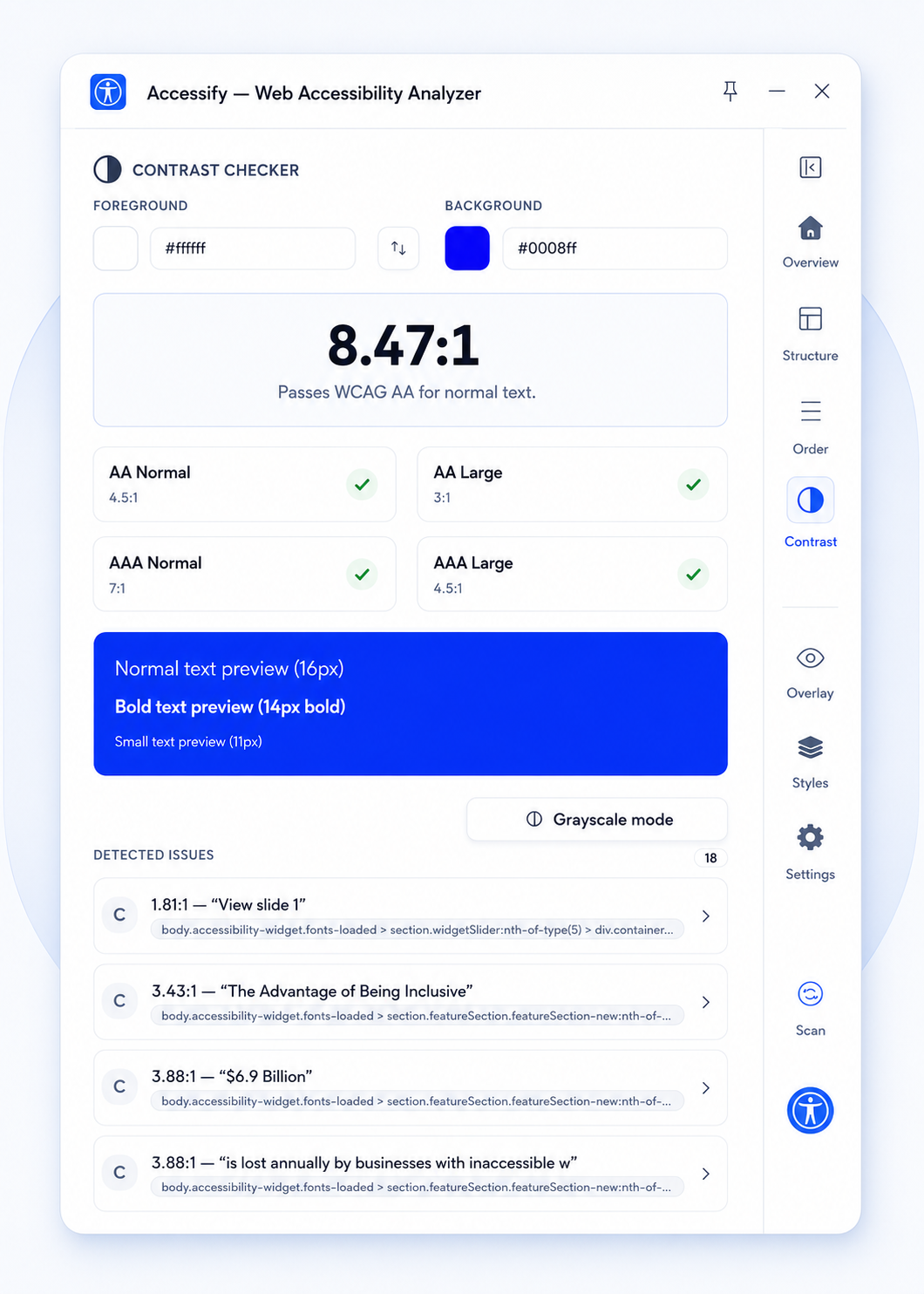
Contrast
Check contrast thresholds and selectors for failing elements.
Automated checks still need human review.
No findings means no detectable findings. Judgement calls still need a person.
- It does not certify compliance, and neither do we
- It reports; the fix happens in your own code
- Manual testing is still the part that matters most
Straight from the store listing.
Version 1.0.0 is new, so there are no ratings yet. View the listing.
Common questions
Is it free?
Yes. It's free and doesn't require an Accessify account.
Does it make my site compliant?
No. It finds what automated checks can find. Judgement calls still need a person.
How is this different from the visitor panel?
The extension finds defects for you to fix. The visitor panel lets customers adjust the page.
Does it send my pages anywhere?
No. Checks run in your browser and nothing is collected. Safe for staging and internal tools.
Will it work on a page behind a login?
Yes. It checks whatever is in your tab, including logged in pages a crawler can't reach.
Which browsers are supported?
Chrome, for now. If Firefox or Safari matters to your team, tell us.