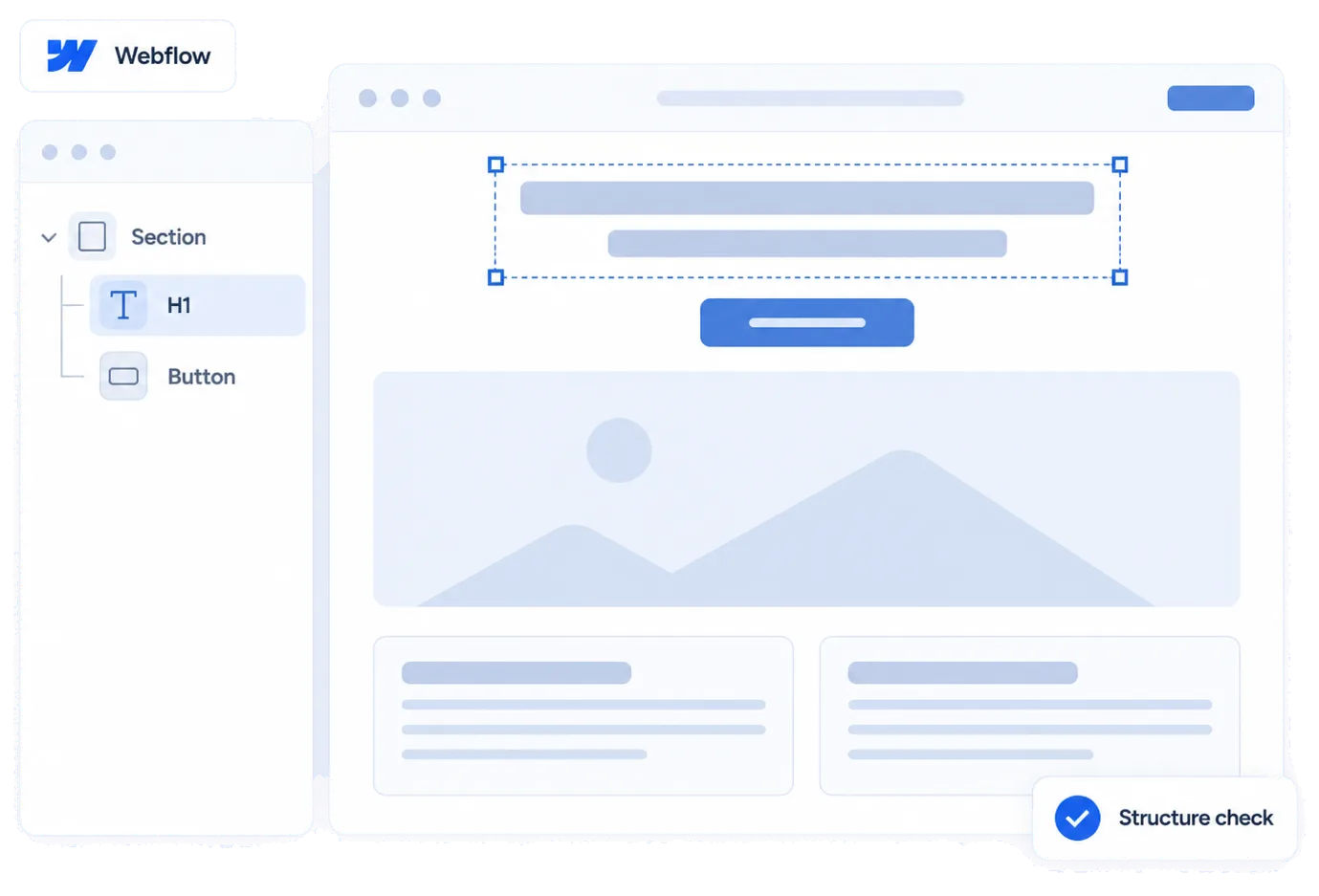
Global classes
One colour token edited in the Designer changes everywhere, including new contrast failures.
Find your platform’s code in your account. Shopify and WordPress also have official listings.
Create your Accessify account · Sign in
Shopify App Store · Official WordPress plugin
The snippet
Your account has a unique snippet. Sign in to copy it from your dashboard.
Loads asynchronously, outside the critical rendering path.
If the panel isn’t detected, use Validate installation.
New store issues arrive as tasks.
One colour token edited in the Designer changes everywhere, including new contrast failures.
Custom interactions are a common source of keyboard traps and focus that goes nowhere.
Collection items publish without alternative text; the inventory catches them as they appear.
Every publish is a change worth rescanning, which is what monitoring is for.
In your project's custom code, before the closing body tag. Then publish.
The panel doesn't touch interactions. Focus traps are reported for you to rebuild.
Yes. New collection items appear in the next scan and the alt text inventory.
It lists every failing element and its ratio. Changing the class is your design call.
The installed app, before configuration.
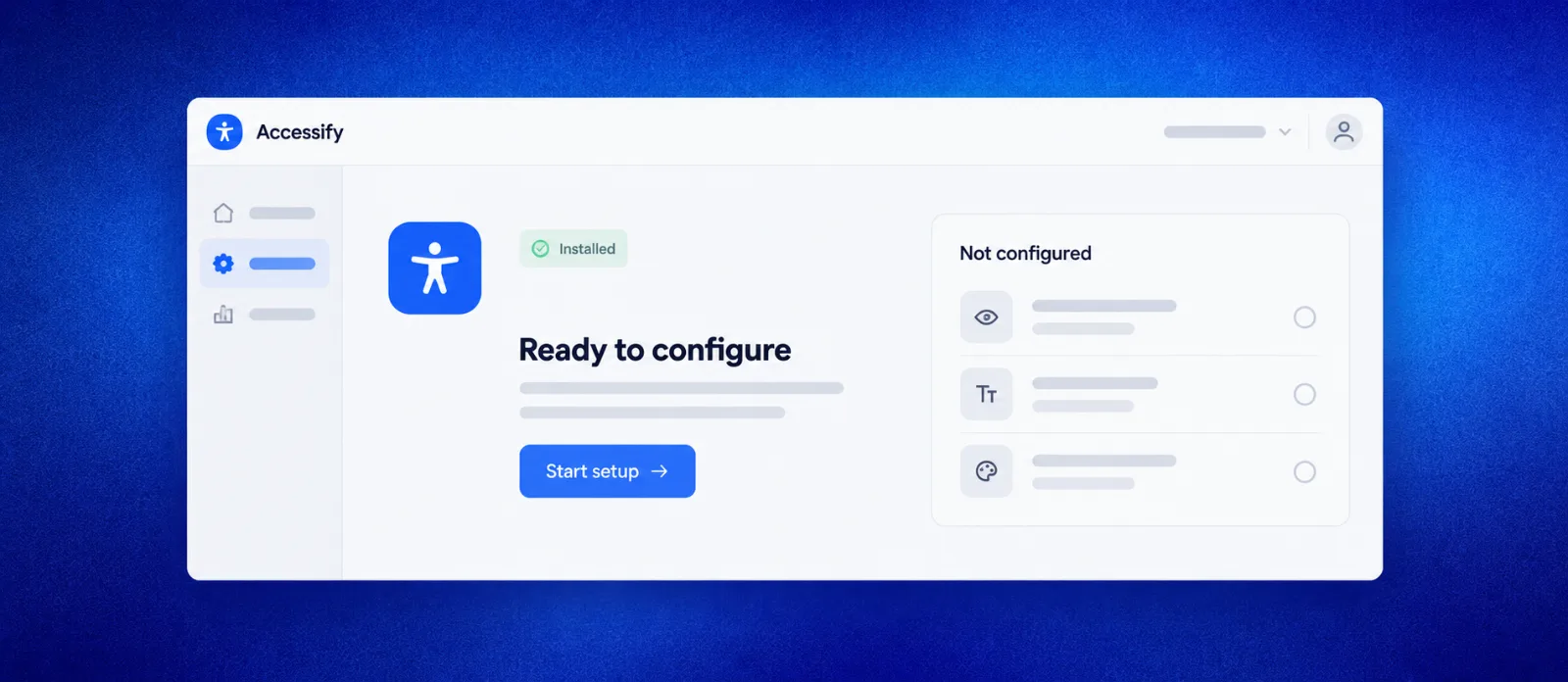
Account identifiers and customer URLs are redacted.
Installation differs by platform; the script works the same.