Accessify

Accessible after every update.

Audit every page, add the visitor panel with one snippet, and rescan after every update.

No coding required · 14 day free trial on paid plans · Remove it anytime

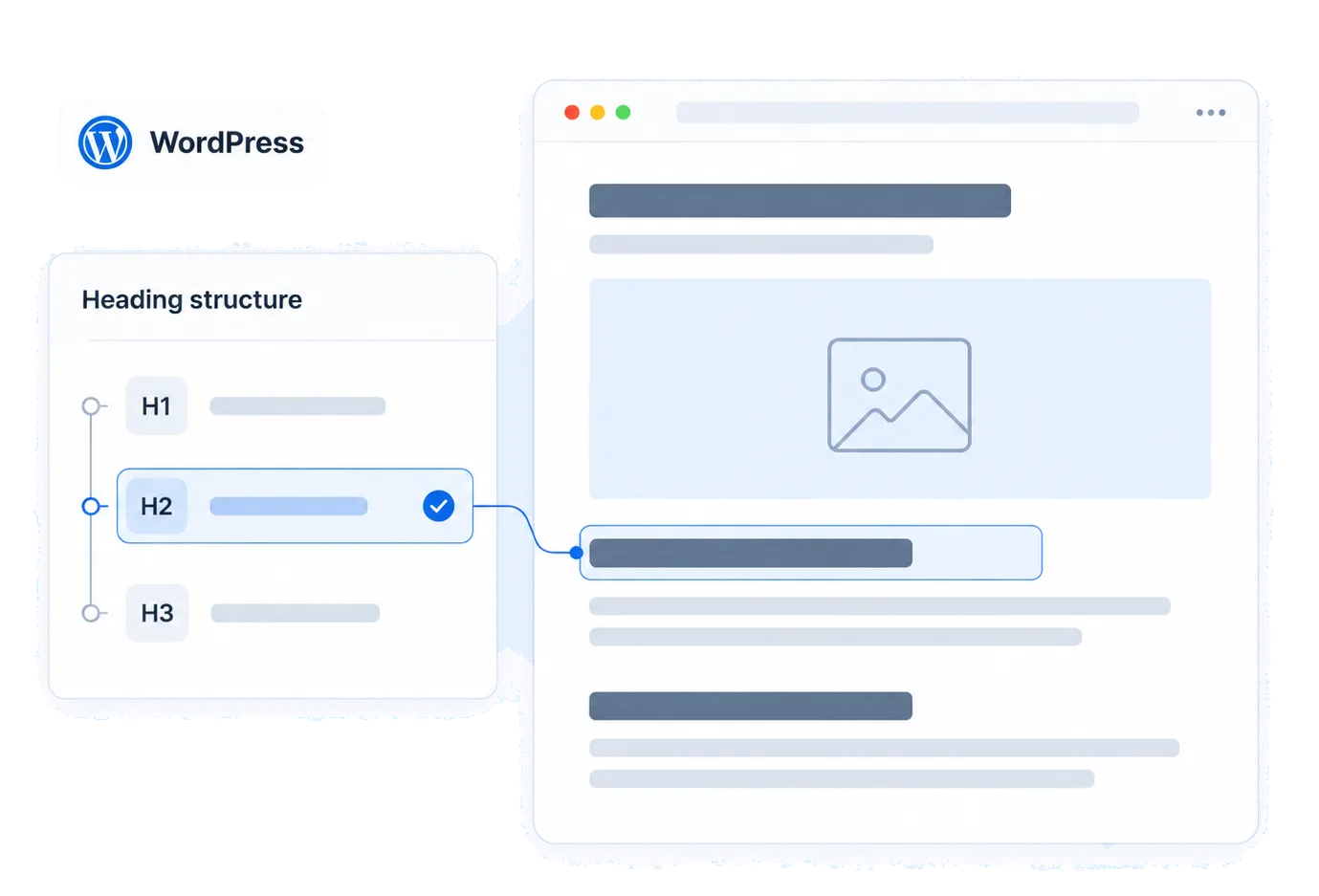
An ecommerce catalogue with a new product, its alt-text description and a visitor accessibility panel. An article page with a selected heading connected to a concise H1, H2 and H3 content outline. Desktop and mobile page previews with keyboard focus highlighted on their action buttons. A designed webpage with its selected heading connected to a section, heading and button structure rail.

How to install on WordPress

Find your platform’s code in your account. Shopify and WordPress also have official listings.

Create your Accessify account · Sign in

Shopify App Store · Official WordPress plugin

  1. Create your free Accessify account
  2. Copy the unique installation script from your dashboard
  3. Paste the script before the closing body tag, using your theme's footer option or a snippet plugin.The exact steps for this platform are in the product.

The snippet

Your account has a unique snippet. Sign in to copy it from your dashboard.

Loads asynchronously, outside the critical rendering path.

Then validate it

If the panel isn’t detected, use Validate installation.

Plugins add markup you never wrote.

New store issues arrive as tasks.

Plugin updates

Forms, sliders and cookie banners change on update. The next scan reports it.

Theme changes

A new theme can reset colour tokens and focus styles across every template at once.

Page builders

Builder output is generated markup, heading order and landmarks are the usual casualties.

Media library growth

Uploads land without alternative text; the inventory finds them and queues descriptions.

Store speed is revenue. We protect it.

  • The script is async and off the critical rendering path
  • Scanning and remediation run in our infrastructure, not the visitor's browser
  • The panel renders only when a visitor opens it
  • If you can measure a regression, that is a bug we want to see: send us the trace

What no third-party script can fix here

  • Plugin and builder markup can only be fixed where you control the template or settings.
  • Headings, labels and landmarks are template fixes, tracked in your record, not papered over.
  • A caching or optimisation plugin can alter how the script loads; validation tells you if the panel stopped appearing.

WordPress questions

Is there a plugin, or is it a snippet?

Use the snippet from your account. The steps for your theme are in the product.

Will it conflict with my caching plugin?

Heavy optimisation can delay or strip the script. Installation checks confirm it's live.

Does it work with page builders?

Auditing does. Fixing generated markup depends on what the builder lets you change.

Can it fix my heading structure?

No. Heading order lives in your templates. Accessify reports it with the affected pages.

Installed on your platform

The installed app, before configuration.
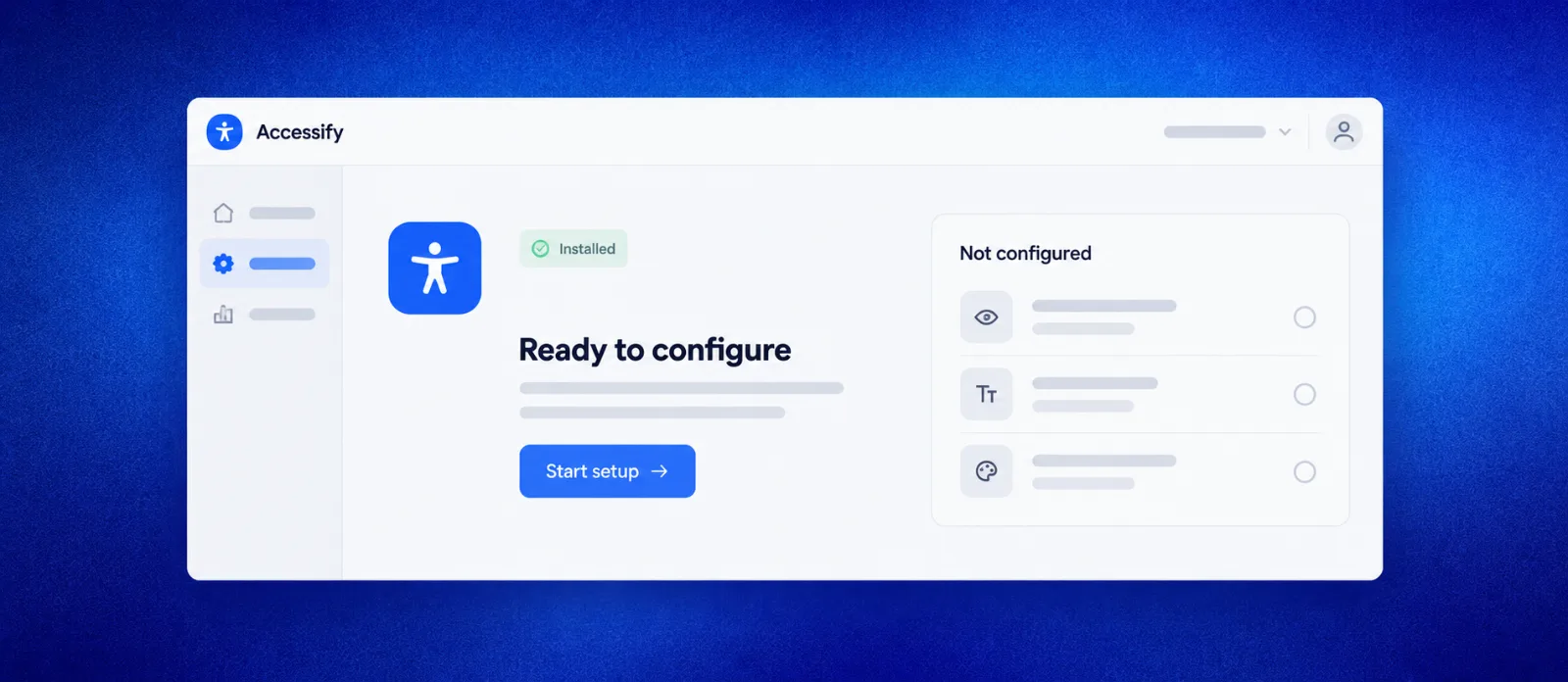
Accessify installed and ready to configure, with a Start setup action and pending accessibility settings.

Account identifiers and customer URLs are redacted.

The same snippet, four ways in.

Installation differs by platform; the script works the same.

See what your WordPress site looks like today.

Audit a product page before installation.